Paste your website and get a blog that answers what your customers search for
We write practical posts in your name, about the problems you fix, in the town you work in. You add one link to your website.
See your blog in two minutes
7 days and 3 posts to try it. No card needed.
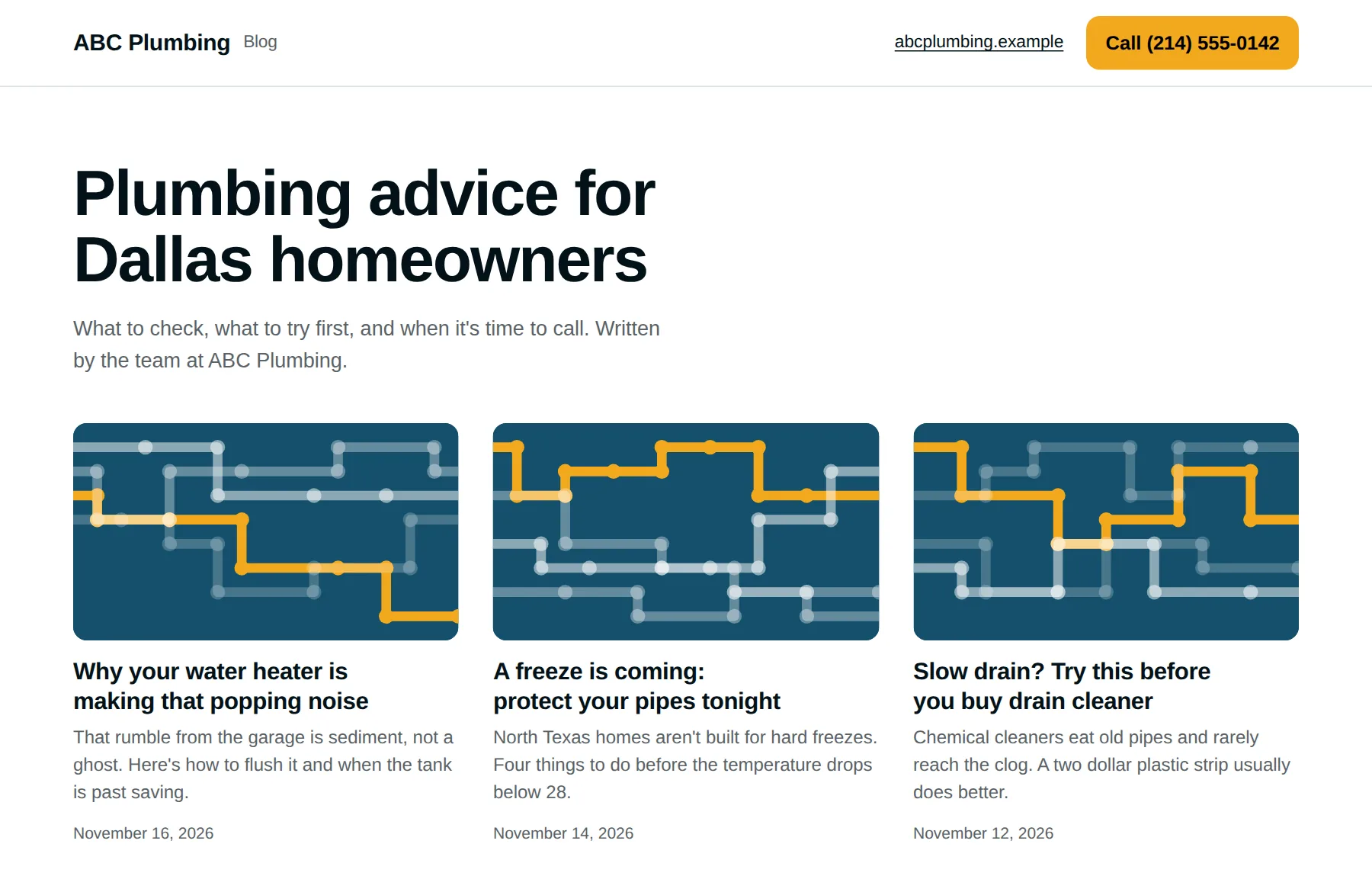
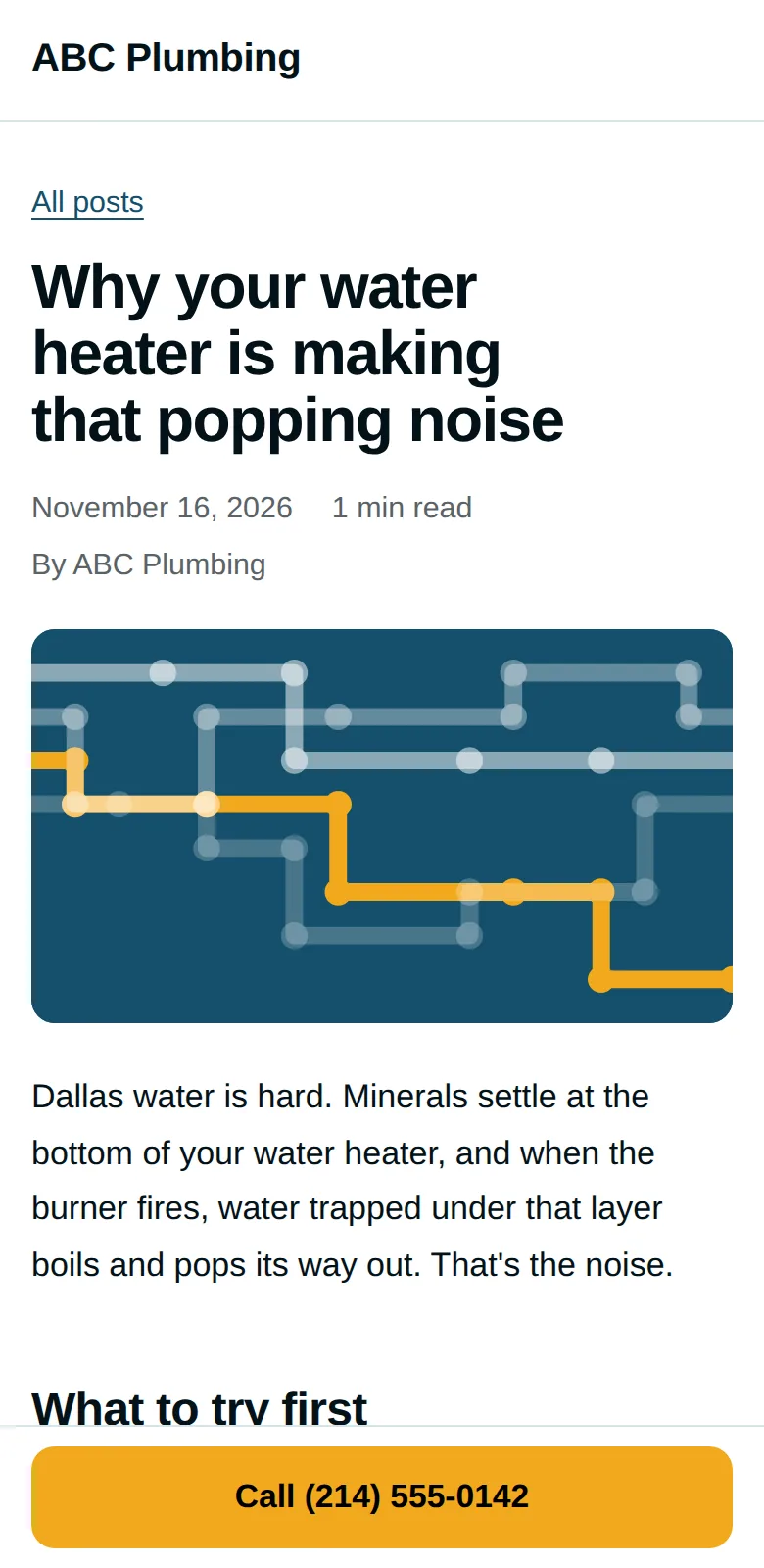
Homeowners look it up before they call anyone
A tap that drips, a furnace that clicks, a dryer that takes two cycles. They search first. The business whose page answers the question is the one they ring.
Every post ends with your phone number and a button that calls you.
- Low pressure at one faucetOne of 61 topics for plumbers
- Rotting wood behind the guttersOne of 71 topics for roofers
- Steam from the heat pump in winterOne of 66 topics for heating and cooling
- Freezer not cold enoughOne of 60 topics for appliance repair
- Mulch piled against tree trunksOne of 67 topics for landscapers
From your website to a working blog in three steps
-
1.
Paste your website address
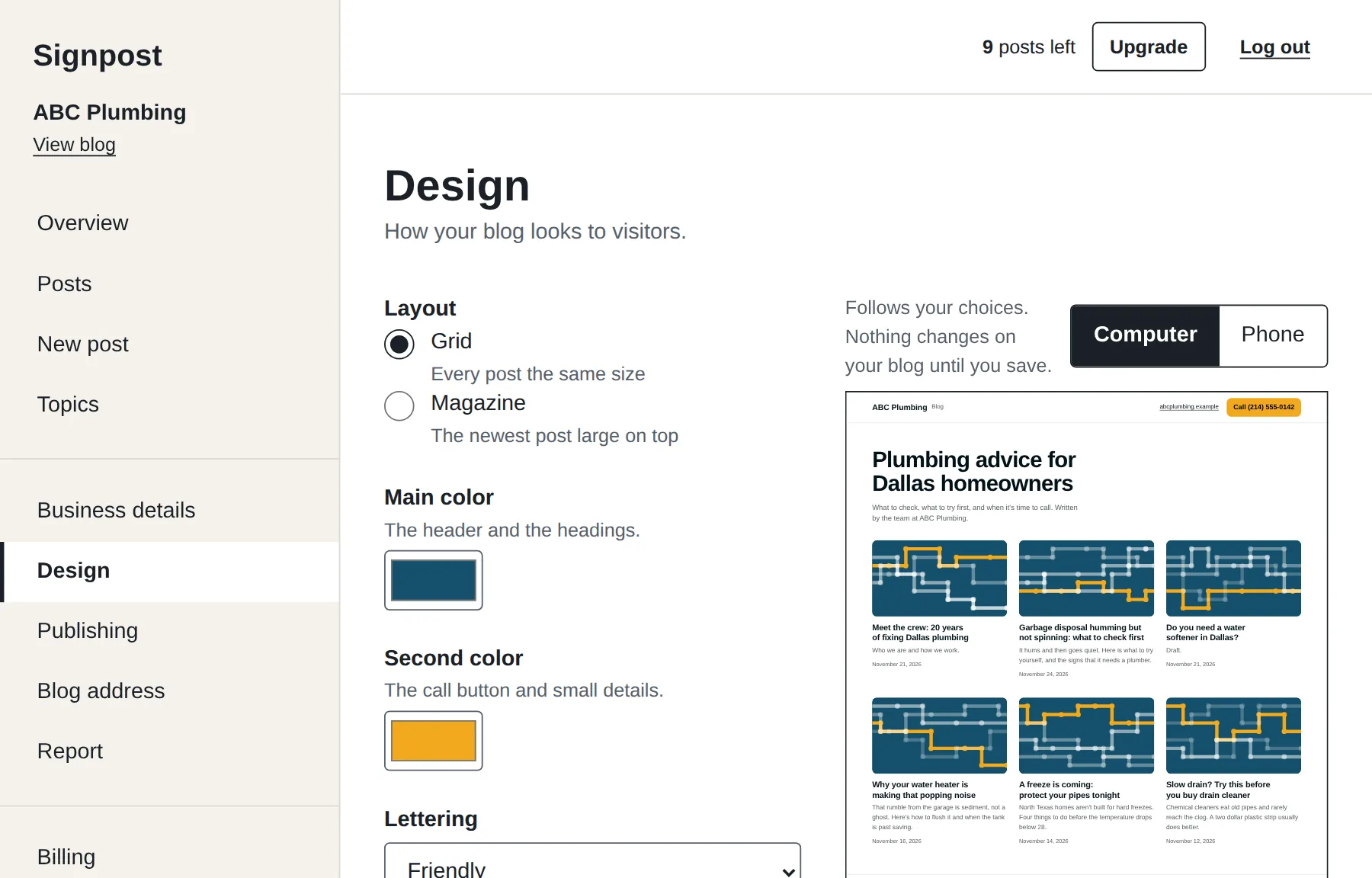
We read your business name, phone, services and colors, and set up a blog that looks like yours. Change anything you like.
-
2.
Read your first post
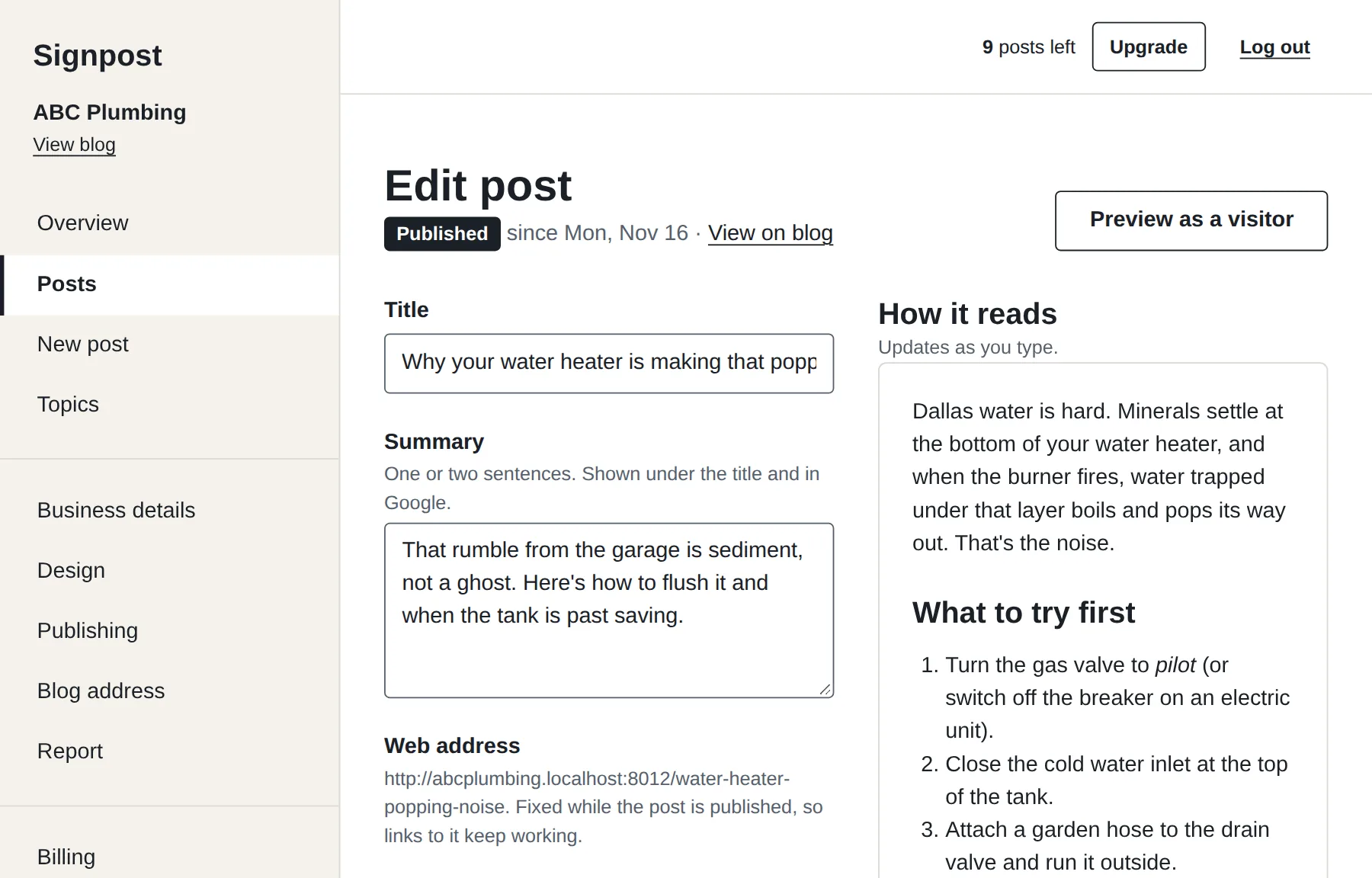
It is written while you wait. Publish it, change it, or ask for another topic.
-
3.
Add a Blog link to your website
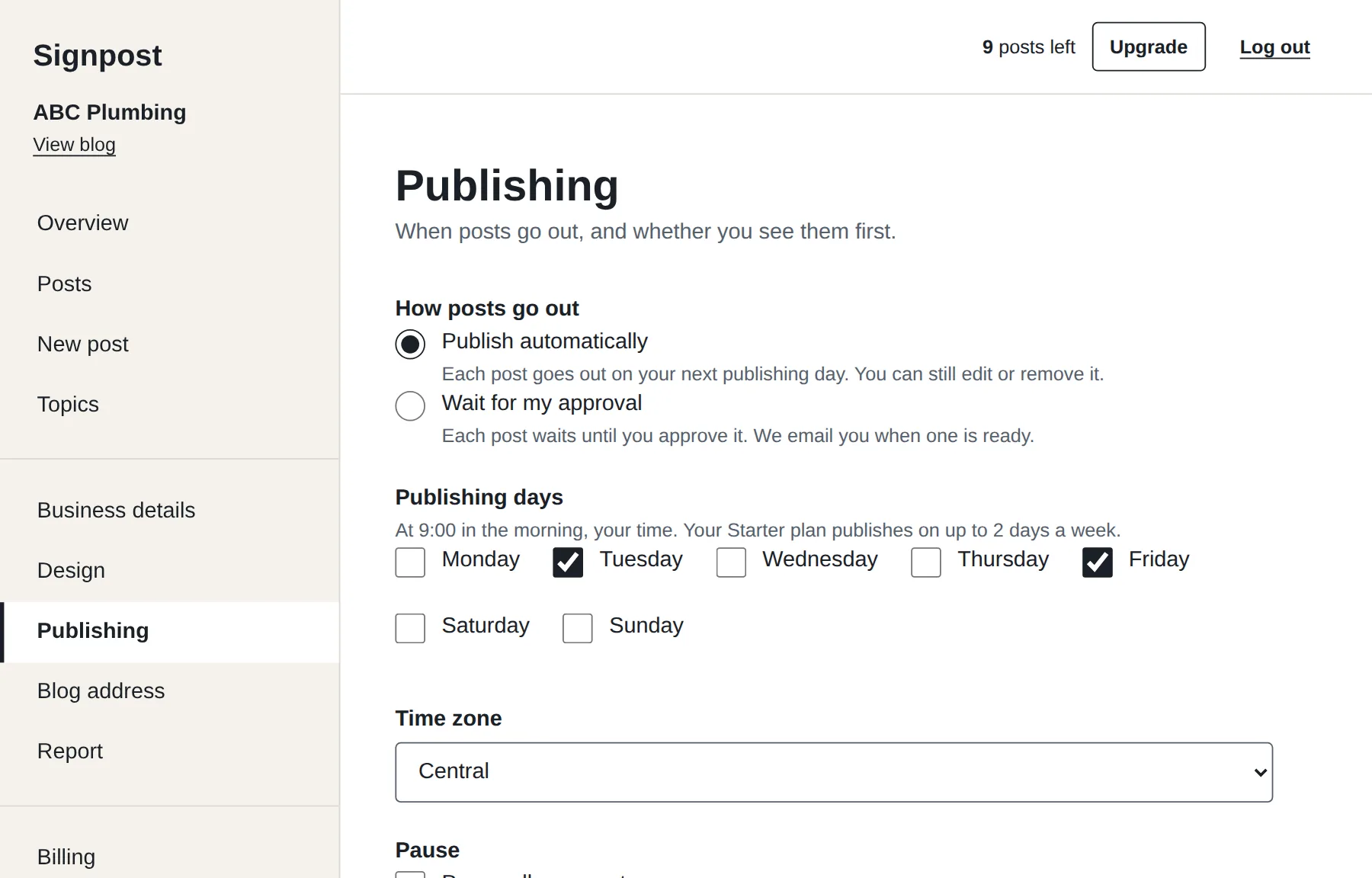
New posts then go out on your days, with or without your approval first. Your choice.
What it costs
Start with 7 days and 3 posts, free, with no card. All the details
-
Starter
$49 a month
- 9 posts a month, written for you
- Published on 2 days a week
- Your own posts: free, unlimited
-
Pro
$99 a month
- 17 posts a month, written for you
- Published on 4 days a week
- Your own posts: free, unlimited
- Your own web address, like blog.yourbusiness.com
- Monthly report: views and taps on your call button
-
Premium
$199 a month
- 30 posts a month, written for you
- Published on 7 days a week
- Your own posts: free, unlimited
- Your own web address, like blog.yourbusiness.com
- Monthly report: views and taps on your call button
- Up to 10 locations
Common questions
Are the posts written by AI?
Yes. Each post starts from a topic we wrote and checked by hand for your trade: the problem, what a homeowner can safely try, and the signs it needs a professional. AI turns that into a full post using your business name, your town and your services. Every post is then checked automatically before it is saved: no prices, no guarantees, no made-up numbers, and a safety warning on anything involving gas, electricity or a roof.
Will Google penalise it?
Google says it judges pages on whether they help the reader, not on how they were written. These posts answer real questions with safe, practical steps. We cannot promise where any page will rank, and nobody honestly can.
Do I own the posts?
Yes. They are yours. You can download every post, drafts included, at any time from your account, and keep using them if you leave.
Can I edit a post, or write my own?
Yes to both. Change any post before or after it goes out. Posts you write yourself are free and unlimited. You can also have every post wait for your approval before it is published.
How does it connect to my website?
Your blog lives at its own address, in your colors and with your logo. You add one link called “Blog” to your website's menu. We show you how for WordPress, Wix, Squarespace and GoDaddy, or email the instructions to whoever looks after your site. On Pro and Premium the blog can sit on your own address, like blog.yourbusiness.com.
See your own blog before you decide
It takes about two minutes, and you see the blog in your own name and colors before you give us an email address.
Ready when you are
7 days and 3 posts to try it. No card needed.